

Step 1
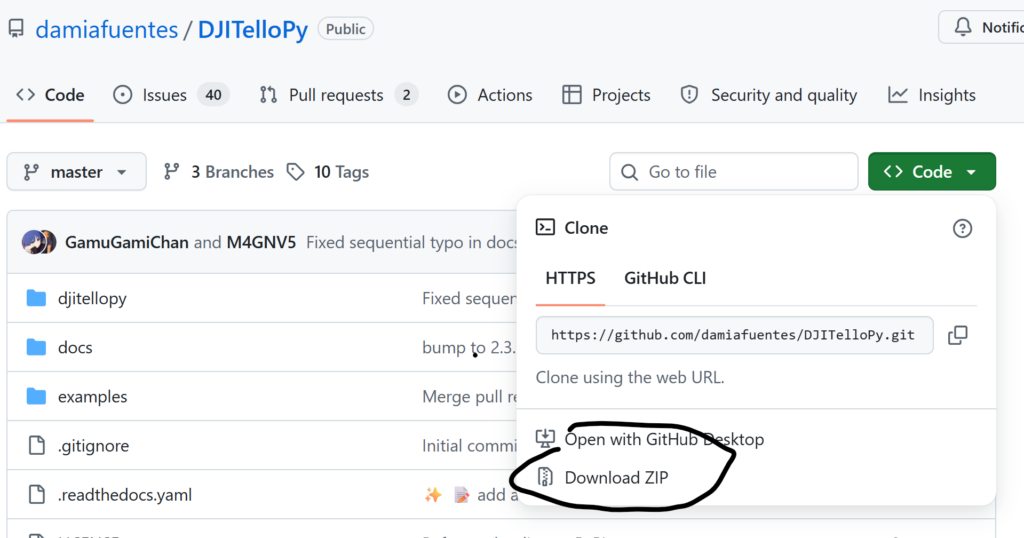
Download the djitellopy library from github
The easiest way to install it would be to run
> pip install djitellopyFrom a command prompt
If you can’t you may need to install the library directly from github:
Step 2
Write the simple python code they show under the example section of the library, for instance:
tello = Tello()

tello.connect()
tello.takeoff()

tello.move_left(100)
tello.rotate_clockwise(90)
tello.move_forward(100)

tello.land()
We like to use the simple IDLE python editor but you can use Visual Code or any other python IDE.
Step 3
In order for that code to work the computer you are running it on needs to be connected by WiFi to the Tello Drone:
- Turn on Drone
- Uner WiFi select the correct Tello-xxxx network
- Connect
- Run Code